
FAQs
How do I replace the decimal with a comma?
There are 2 options for replacing the decimal with a comma.
#1 This will replace the period with a comma.
<script>
document.getElementById('fsb_amount').innerHTML = document.getElementById('fsb_amount').innerHTML.replace('.', ',');
</script>
#2 This script below will replace the period with a comma if it finds a Euro symbol as the currency symbol. This can be useful if currency conversion is converting the currency to Euros.
<script>
if (document.getElementById('fsb_symbol').innerHTML.includes("€")) {
document.getElementById('fsb_amount').innerHTML = document.getElementById('fsb_amount').innerHTML.replace('.', ',');
}
</script>
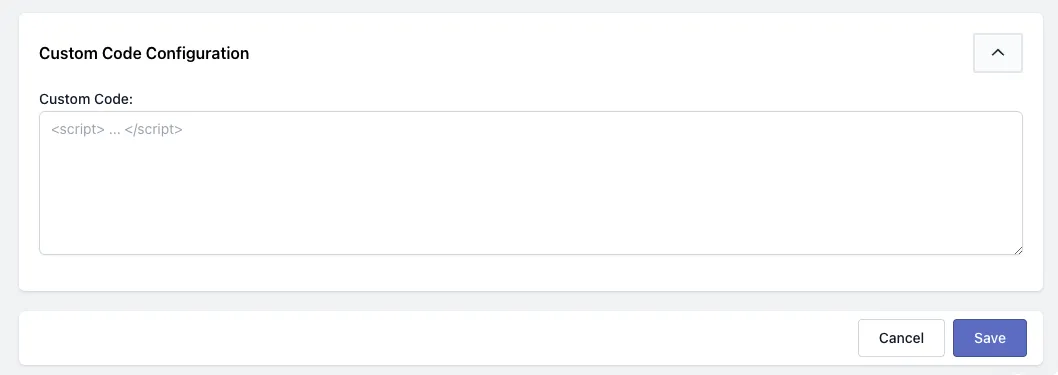
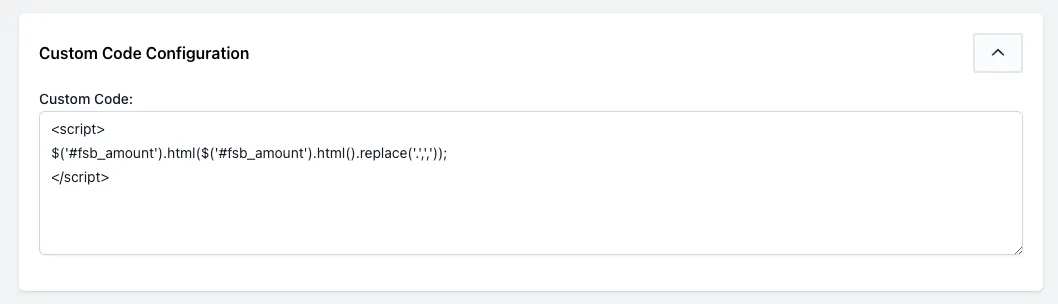
Place the script into the Custom Code Configuration box, as seen below:
Like so:
Save and test.
Was this article helpful?
Your feedback helps us improve our docs.
Thanks for the feedback!