
FAQs
How do I add an emoji to my bar?
You can simply copy and paste an emoji to your free shipping bar message. We recommend using getemoji.com to find emojis.
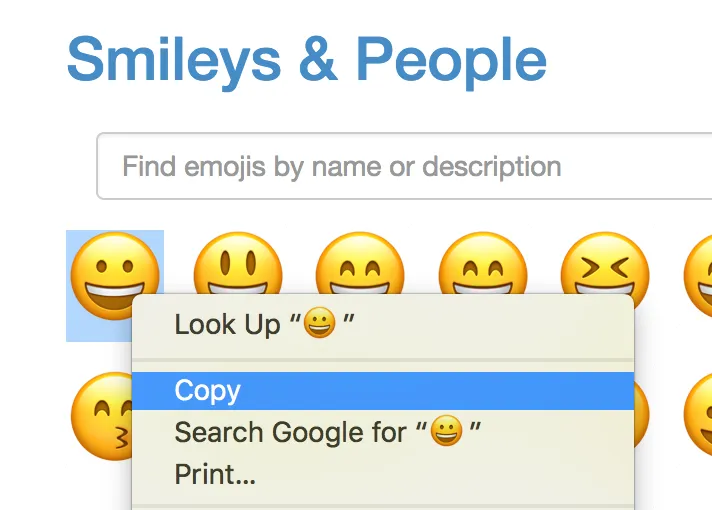
When you find an emoji you like, you can simply highlight it (just like highlighting regular text) copy it, then paste it into the message bar in the FSB app.
Highlight and copy:
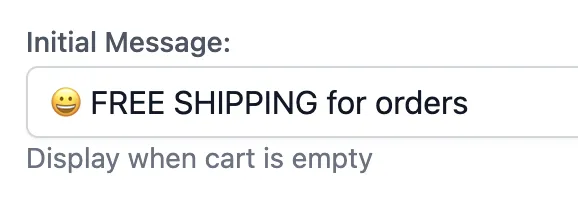
Back in FSB, paste into the message field:
Was this article helpful?
Your feedback helps us improve our docs.
Thanks for the feedback!